Save and load page sets
As CDFrontEnd manages a whole page set, when you use “File >Save all” all pages in editing are saved. All the autorun CD presentation (even if 1 or 1000 pages) will be archived in only one .aeh file.
It's easy to work with a single file, free from the need to continuously save and load the information.
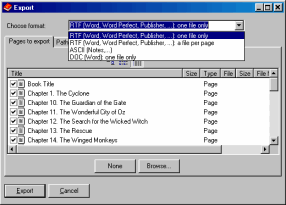
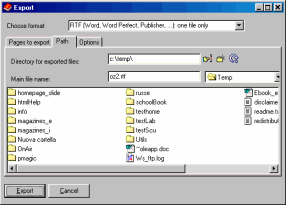
To save in RTF or other formats, you can use the “File >Export pages...” menu:
Use the top combo box to choose the file format, and the “path” tab to select where files will be saved:
Other easy software from Visual Vision: