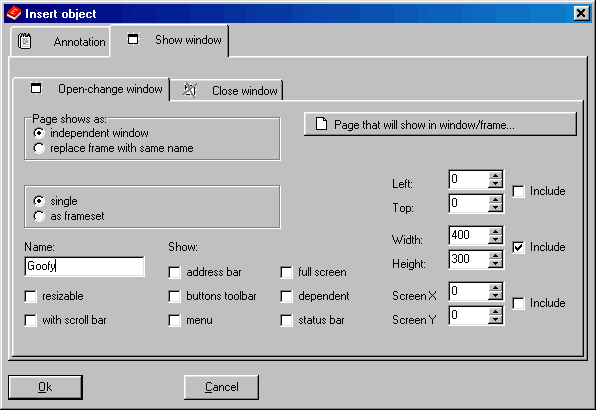
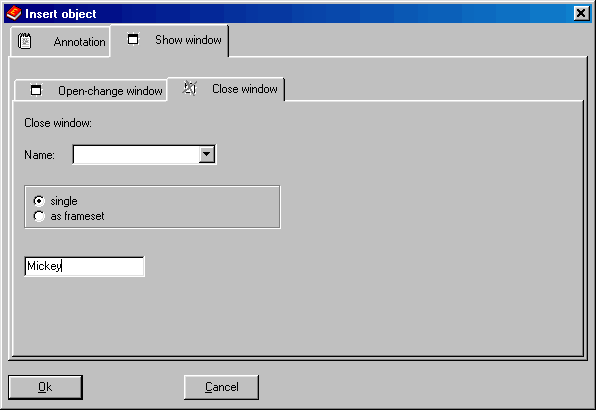
With this dialog you can insert a component that can show a popup window, can change the content of a window (or a frame) or can close a window. The action is triggered when the user enters the page that contains the component. Click on the image to get Help:
For example, in the above dialog we have chosen to show the popup called “Goofy”, 400x300 pixels. In the following window instead, we choose to replace the frame “BottomFr”.
CD FrontEnd software makes it easy to write, page, edit, protect and distribute any kind of information on CD, DVD