Insert special links
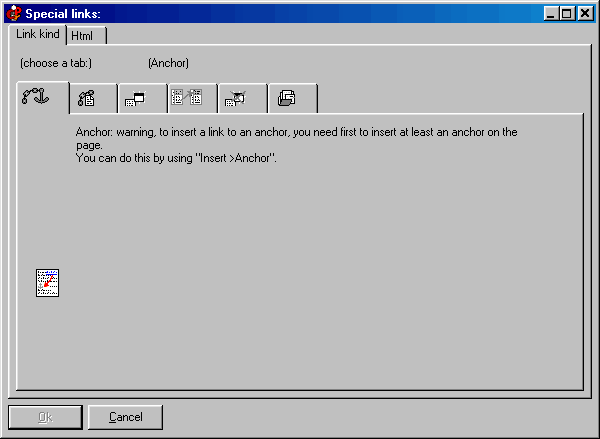
The “special links” are one of the key points of CDFrontEnd. With them you can visually place links to another frame, to a popup Window, to an Internet address, and much more, even using “anchors” inside the page. Click on the image to get Help:
This tab permits you to insert a link to an anchor. An “anchor” is an invisible bookmark that can be placed anywhere on a page (with “Insert >Anchor”).
Please notice that some “special links” will work only in “read only” mode, and will not work properly while in “editor” mode.
Other easy software from Visual Vision:
CD FrontEnd software makes it easy to write, page, edit, protect and distribute any kind of information on CD, DVD