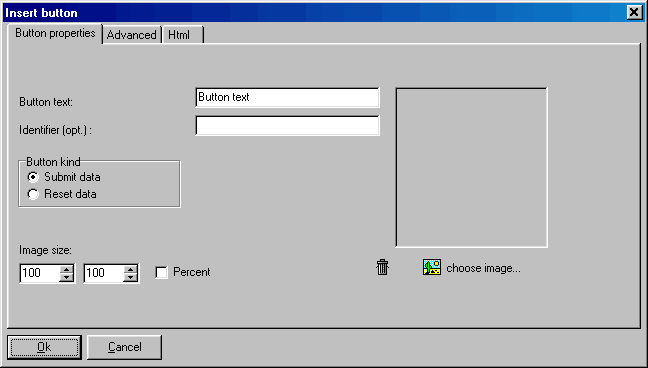
With this function you can insert a submit button in a form. The final user can fill a form, press the button, then the form data are sent as specified inside the
“form start” marker. Click on the image to get Help:
There are two kinds of buttons: submit and reset. The reset button simply resets all form fields. The submit button starts the action specified in the
form start marker. The button can be a “classic” button or an image. To use an image as a button, simply click on “select image”.
CD FrontEnd software makes it easy to write, page, edit, protect and distribute any kind of information on CD, DVD